Best MT5 Automation Tools for 2026
PineForge Team
Automated Trading Platform
MetaTrader 5 is still the dominant retail forex platform — over 4,000 brokers worldwide support it. But MT5's native automation (MQL5 Expert Advisors) is showing its age. The language is dated, the Strategy Tester produces optimistic results, and the marketplace is flooded with low-quality EAs.
The best MT5 automation tools in 2026 aren't replacing MT5 — they're connecting modern strategy development languages (Pine Script, Python, no-code) to MT5's broker connectivity layer. This guide compares the categories and shows which one fits which trader.

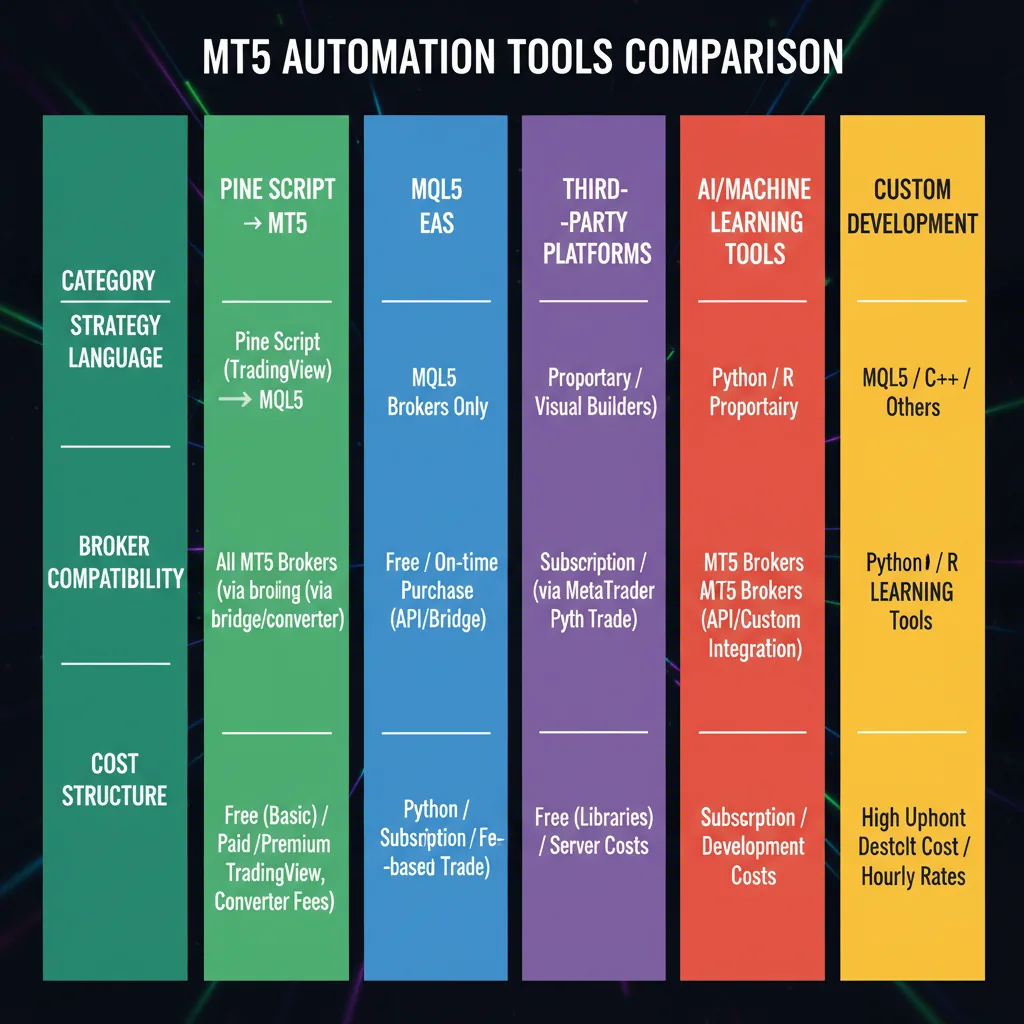
Quick comparison: MT5 automation tool categories
How These Were Evaluated
The criteria specific to MT5 automation in 2026:
The strongest MT5 automation in 2026 lets you write modern strategies (Pine Script or Python) and deploy them to MT5 without rewriting in MQL5.
1. Pine Script → MT5 via MetaAPI
Platforms like PineForge use the MetaAPI bridge to take Pine Script strategies and execute them on MT5 broker accounts. The strategy you wrote and backtested in Pine Script v6 runs unchanged on Exness, IC Markets, Pepperstone, FXCM, OANDA, and most other major MT5 brokers.
The advantage versus traditional MQL5: modern language, faster development iteration, the same strategy you tested visually on TradingView runs live on your broker account.
Key features for MT5 automation:
Best for traders wanting modern strategy development with MT5's broker reach, anyone migrating from TradingView to live execution, Pine Script users who don't want to learn MQL5.
See our connect Exness MT5 to trading bot and MT5 bot setup guide for setup walkthroughs.
2. MQL5 Expert Advisors
The traditional MT5 automation path. Write or buy an EA, compile it, run it inside the MT5 terminal. Thousands of marketplace options, mature ecosystem, supported by every MT5 broker.
Downsides: MQL5 is dated compared to modern strategy languages, Strategy Tester results are notoriously optimistic, and quality varies wildly across marketplace EAs.
Best for MT5 traditionalists, EA owners with proven systems, developers comfortable with the MQL5 ecosystem.
3. Python → MT5 via MetaAPI
Direct MT5 broker connection from Python code via MetaAPI's Python SDK. Maximum flexibility — write any strategy you can express in Python, connect it to MT5 brokers, run with full control.
Downsides: requires Python development skill, you host the bot infrastructure yourself, debugging and monitoring are your responsibility.
Best for developer-traders, professional-style retail accounts, traders building proprietary tools.
4. MT5 Native Strategy Tester (Backtest Only)
Built into MT5. Useful for testing MQL5 EAs before live deployment, but not a live-trading solution by itself. Some users mistake this for the full automation path; it's just the validation layer.
Best for EA developers, quick concept validation, learning MT5 backtesting before committing to a deployment platform.
5. Copy-Trading via MT5 Signals
MetaTrader's built-in signals marketplace. Subscribe to a signal provider's MT5 account; trades mirror to yours. Zero strategy work, broker-supported integration.
Best for hands-off retail traders, beginners exploring MT5 without committing to strategy design.
6. No-Code MT5 EA Builders
Visual EA builders that compile to MQL5 from drag-and-drop interfaces. Bridge between no-code workflows and MT5's runtime.
Best for non-programmers wanting MT5 deployment, traders prototyping rule-based strategies before learning MQL5.
What MT5 Brokers Support Automated Trading?
Virtually all of them — MT5 is automation-friendly by design. The major brokers used by retail algo traders in 2026:
For Pine Script → MT5 platforms like PineForge, broker compatibility is determined by MetaAPI's broker coverage — which includes virtually every major retail MT5 broker.
See our Exness MT5 setup guide for a specific walkthrough.
Can You Run Multiple Bots on One MT5 Account?
Yes, but with discipline. Each bot needs a unique magic number to isolate its trades. Total margin usage across bots must stay within account limits.
PineForge supports multi-bot deployment on a single MT5 account with automatic magic-number assignment. See how many bots per MT5 account for the operational framework.
What's the Best MT5 Automation for Pine Script Users?
Direct answer: a Pine Script → MetaAPI bridge platform. PineForge is built specifically for this use case — write or modify your Pine Script strategy, backtest it on real broker data with realistic execution, deploy to MT5 in one click.
The alternative (rewriting Pine Script logic into MQL5) is slow, error-prone, and introduces backtest-to-live divergence. The bridge approach keeps the strategy in one language end-to-end.
How Do You Backtest an MT5 Strategy Realistically?
Three rules:
PineForge's backtest engine handles the walk-forward step automatically. For pure MT5 Strategy Tester workflows, the discipline is on the trader.
What's the Cheapest Way to Automate on MT5?
Tied between two approaches:
The "cheapest" depends on usage. Always-on bots are cheaper with one-time MQL5 EAs; intermittent bots are cheaper with pay-per-use.
Conclusion
MT5 remains the dominant retail forex platform, but the best automation approaches in 2026 connect MT5's broker reach to modern strategy development tools rather than relying on dated MQL5 development.
For most retail traders:
The strategy work matters more than the platform choice. Backtest your strategy on PineForge with realistic execution, then deploy to MT5 via the built-in MetaAPI bridge — Pine Script in, MT5 trades out, no MQL5 conversion required.
| Category | Setup Difficulty | Strategy Language | Live Trading Cost |
|---|---|---|---|
| Pine Script → MT5 via MetaAPI | Low | Pine Script | Pay-per-use |
| MQL5 Expert Advisors | Medium | MQL5 | One-time/subscription |
| Python → MT5 via MetaAPI | High | Python | Per-script |
| MT5 native Strategy Tester (no live) | Low | MQL5 | Free |
| Copy-trading via MT5 signals | Very low | None (mirrored) | Profit share |
| No-code MT5 EA builders | Medium | Visual | Subscription |
Start Trading Smarter
Build, backtest, and deploy your strategies with PineForge. No coding experience required.