Pine Script strategy.entry vs. strategy.order: Which Commands Your Trades?
PineForge Team
Automated Trading Platform
You face a critical decision when automating trades in Pine Script: how do you tell your strategy to buy or sell? The choice between \strategy.entry\ and \strategy.order\ dictates your control over trade execution. Misunderstand this distinction, and your backtest results diverge from reality. You need precision, not approximations. This guide empowers you to command your trades with confidence, leveraging the right tool for the job. We dissect the mechanics of each function, revealing their strengths and ideal use cases. Master \pine script strategy.entry\ and \strategy.order\, and transform your trading ideas into automated success with PineForge.
Decoding Pine Script strategy.entry
\strategy.entry\ is your direct command to open or reverse a position. It handles the underlying logic of position management for you. You tell it to go long or short, and it manages the state. This function simplifies position entry, making it straightforward to implement basic trading rules. It's designed for common scenarios where you want to maintain a single open position at any given time, or to explicitly reverse it.
Direct Market Interaction
When you use \strategy.entry\, you're telling the strategy to enter a position. If a position with the specified \id\ already exists, \strategy.entry\ will reverse it. This behavior is key. It ensures you always have a position open in the direction you last commanded. It's a powerful abstraction, removing the need for explicit checks on current position state. You dictate the direction; Pine Script manages the transition.
\\\`pine
//@version=5
strategy("Simple Entry Strategy", overlay=true)
longCondition = ta.crossover(ta.sma(close, 14), ta.sma(close, 28))
shortCondition = ta.crossunder(ta.sma(close, 14), ta.sma(close, 28))
if longCondition
strategy.entry("Long_Entry", strategy.long)
if shortCondition
strategy.entry("Short_Entry", strategy.short)
// Example of how strategy.exit can be used with strategy.entry
strategy.exit("Take Profit/Stop Loss", from_entry="Long_Entry", profit=100, loss=50)
strategy.exit("Take Profit/Stop Loss", from_entry="Short_Entry", profit=100, loss=50)
\\\`
Simplicity for Common Scenarios
For many strategies, \strategy.entry\ offers sufficient control. Trend-following systems, basic mean reversion, or simple breakout strategies often benefit from its direct approach. You define your conditions; the system executes. This simplicity reduces code complexity and potential errors. You focus on the trading logic, not the intricacies of order management. This function is your foundational block for automated trading, especially when starting your Pine Script guide journey.
Unpacking strategy.order in Pine Script
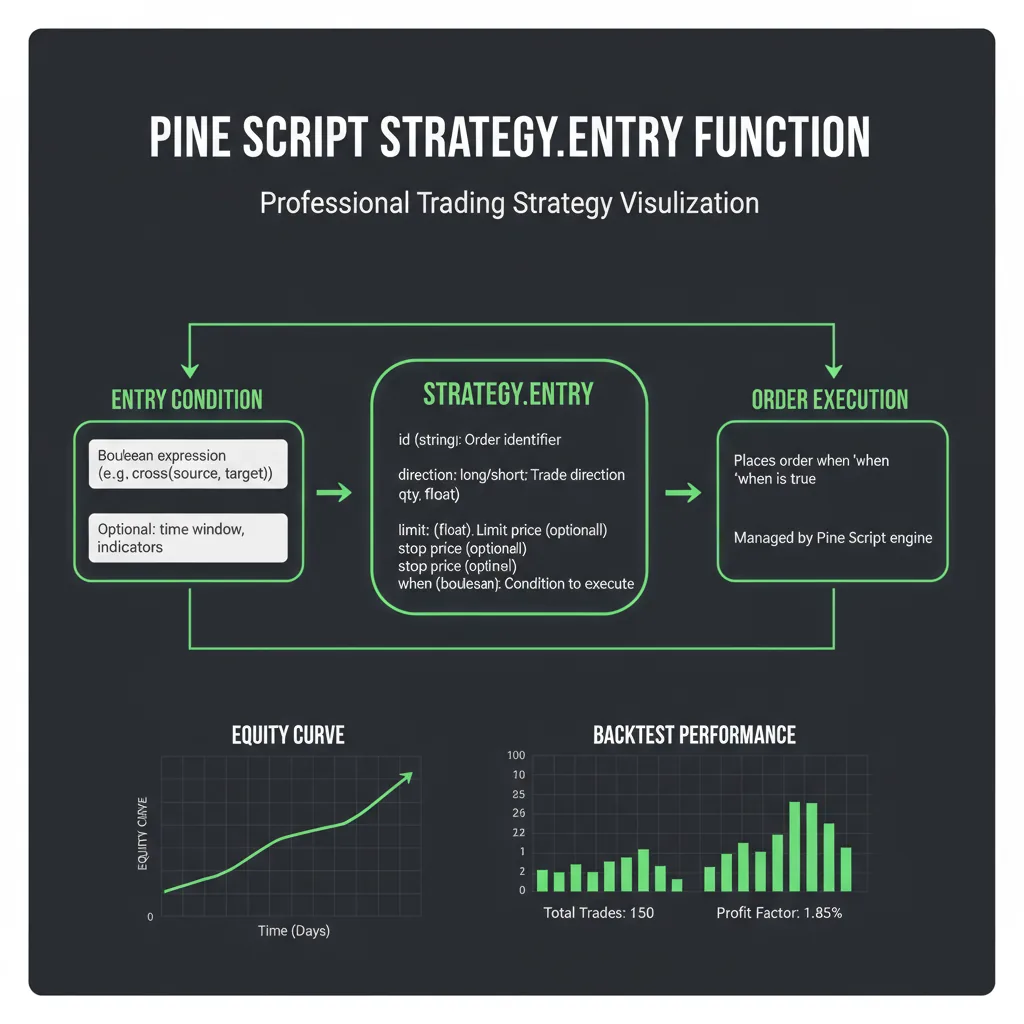
\strategy.order\ provides granular control over individual orders. It doesn't manage positions; it places orders. You specify the order type (market, limit, stop), the quantity, and the direction. This function is more versatile, allowing for complex order flows, partial fills, and intricate order management. You become the command center, dictating every order's specific parameters.
Granular Control for Complex Logic
When \strategy.entry\ acts as a position manager, \strategy.order\ acts as an order placer. It allows you to send multiple orders for the same \id\, manage partial fills, or implement advanced order types. You might place a limit order to enter, and then a stop loss and take profit using two separate \strategy.order\ calls. This level of control is essential for sophisticated risk management or multi-stage entry strategies.
\\\`pine
//@version=5
strategy("Advanced Order Strategy", overlay=true)
// Define entry conditions
longSignal = ta.crossover(close, ta.sma(close, 20))
shortSignal = ta.crossunder(close, ta.sma(close, 20))
// Use strategy.order for a limit entry
if longSignal and strategy.opentrades == 0
strategy.order("Limit_Buy", strategy.long, qty=1, limit=close * 0.99)
if shortSignal and strategy.opentrades == 0
strategy.order("Limit_Sell", strategy.short, qty=1, limit=close * 1.01)
// Example of canceling an order if conditions change
if not longSignal and strategy.opentrades.entry_id("Limit_Buy") == "Limit_Buy"
strategy.cancel("Limit_Buy")
// You can also use strategy.order for exits
// This example is simplified for clarity, real-world exits often use strategy.exit or more complex logic
\\\`
Order Types and Management
\strategy.order\ explicitly supports \strategy.market\, \strategy.limit\, and \strategy.stop\ order types. This flexibility means you can attempt to enter at specific prices, protect your capital with stop orders, or ensure immediate execution with market orders. You have the power to define precisely how your orders interact with the market. This control extends to canceling pending orders using \strategy.cancel\, offering dynamic order management that \strategy.entry\ doesn't provide directly.
The Core Differences: Entry vs. Order
The distinction lies in their primary objective. \strategy.entry\ is about managing your *position*. \strategy.order\ is about managing your *orders*. One deals with the state of your portfolio; the other deals with individual transactions. Your choice impacts how you structure your trading logic and how the strategy interacts with the broker simulator.
When you want to enter a position and have the system handle reversals, use \strategy.entry\. When you need to place a specific order with precise type and price parameters, use \strategy.order\. The human strategist decides the intent; the machine executes the command. Your strategy's robustness depends on this clarity.
Practical Applications and Advanced Use Cases
Understanding these functions enables you to build truly sophisticated trading systems. You move beyond basic signals to intelligent execution. This knowledge is fundamental for anyone serious about algorithmic trading and automating their edge.
Building Robust Trading Bots
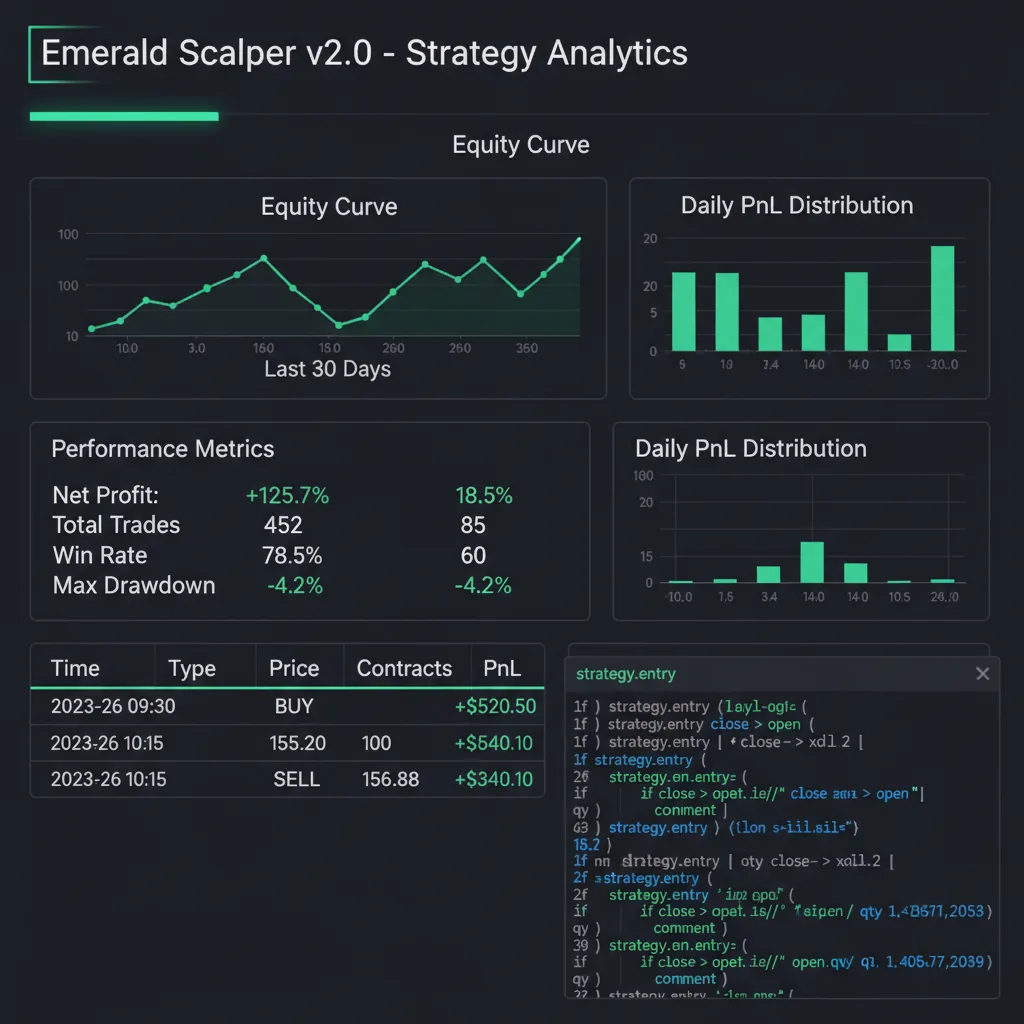
For automated trading bots, the choice impacts performance and reliability. A bot designed for continuous position management might favor \strategy.entry\ for its simplicity in handling reversals. A bot requiring precise entries for scalping or arbitrage might lean on \strategy.order\ to control slippage and fill prices. Consider a BTCUSD swing strategy that yielded a +124.6% return with a 62.8% win rate and a Sharpe of 2.14. Achieving such results often requires meticulous control over entry and exit points, sometimes blending both approaches for optimal execution.
Implementing Advanced Risk Management
Advanced risk management strategies frequently combine both functions. You might use \strategy.entry\ to open an initial position, then \strategy.order\ to place OCO (One-Cancels-the-Other) stop loss and take profit orders. Or, you could use \strategy.order\ to scale into a position using multiple limit orders, then \strategy.exit\ (which works well with \strategy.entry\'s position IDs) to manage the entire position's exit. You dictate the rules; PineForge enforces them.
Can I combine strategy.entry and strategy.order?
Yes, absolutely. This is a powerful technique. You might use \strategy.entry\ to establish a position, then use \strategy.order\ to place specific stop-loss or take-profit orders that are more complex than what \strategy.exit\ offers. For instance, you could place a trailing stop with \strategy.order\ that dynamically adjusts based on market conditions, while your main position is managed by \strategy.entry\. This hybrid approach gives you both simplicity for core position management and granular control for specific order types.
Which is better for high-frequency trading?
For high-frequency trading where every millisecond and every pip matters, \strategy.order\ typically offers more precise control. You can specify exact limit prices and manage partial fills or cancellations with greater granularity. \strategy.entry\, while efficient for position management, abstracts away some of the immediate order-level control that HFT often demands. However, Pine Script's execution model is not designed for true high-frequency trading in the microseconds range. It's best suited for strategies operating on higher timeframes (e.g., minutes to days).
How does strategy.exit relate to these functions?
\strategy.exit\ is designed to close positions opened by \strategy.entry\ or \strategy.order\ (if the \id\ matches an open trade's entry \id\). It's a convenient way to implement profit targets and stop losses for open positions. When used with \strategy.entry\, it's particularly effective because \strategy.entry\ manages the position state, and \strategy.exit\ targets that state for closure. While you can create exits with \strategy.order\, \strategy.exit\ simplifies the common use case of attaching protective orders to an existing trade. You define the exit parameters; Pine Script handles the order placement.
Command Your Trading Future
The distinction between \pine script strategy.entry\ and \strategy.order\ isn't a minor detail; it's fundamental to building robust, predictable automated trading strategies. You now understand that \strategy.entry\ manages your position state, offering simplicity for common scenarios, while \strategy.order\ provides unparalleled control over individual orders and their types. Your ability to choose the right tool empowers you to execute your trading vision with precision.
Stop guessing and start commanding. Leverage this knowledge to build more intelligent trading bots and refine your execution logic. The path to consistent results begins with clarity. Take control of your automated trading. Signup for PineForge today and begin building, backtesting, and deploying strategies that truly reflect your market edge.
| Feature | \`strategy.entry\` | \`strategy.order\` |
|---|---|---|
| Primary Goal | Manage open position (long/short) | Place individual orders (market, limit, stop) |
| Position Logic | Automatically reverses existing position | Places new order; does not manage position state |
| Order Types | Market (implied) | Market, Limit, Stop (explicitly defined) |
| Flexibility | Simpler, less granular | Highly granular, complex order flows possible |
| Cancellation | Implicit via reversal or \strategy.close\ | Explicit via \strategy.cancel\ |
| Use Case | Simple position management, trend-following | Advanced order types, partial fills, dynamic exits |
Start Trading Smarter
Build, backtest, and deploy your strategies with PineForge. No coding experience required.