Master Your Trades: The Essential MT5 Trading Bot Setup Guide
PineForge Team
Automated Trading Platform
Manual trading limits you. Emotional decisions, missed opportunities, and the sheer impossibility of 24/7 market monitoring hold back your potential. You execute trades based on gut feelings, not consistent logic. You spend hours glued to screens, only to watch opportunities slip away in your sleep. This approach is reactive, not strategic. It places you in a constant battle against fatigue and market volatility, often leading to inconsistent results.
There is a smarter path. You can automate your trading with an MT5 trading bot. This shifts your focus from manual execution to strategic oversight. An MT5 trading bot acts as your tireless, emotionless executor, applying your rules precisely, around the clock. This guide will show you how to set up, configure, and deploy your own MT5 trading bot, transforming your trading approach. You gain control, consistency, and a significant edge in dynamic markets.

The Case for an MT5 Trading Bot: Human vs. Machine
You face inherent limitations as a human trader. Your MT5 trading bot offers a superior alternative. Understand this contrast to leverage automation fully.
Manual Trading's Limitations
Your emotions are a liability. Fear leads to premature exits; greed causes over-leveraging. Fatigue degrades decision-making quality over time. You cannot monitor global markets constantly, inevitably missing key entry or exit points. Manual execution is slow, vulnerable to slippage, and prone to simple input errors. This makes consistent, high-volume trading nearly impossible.
The Power of Automation
Bots operate without emotion. They execute your defined rules precisely, every time. An MT5 trading bot runs 24/5 or even 24/7 on a trading bots platform, catching every opportunity without human intervention. This frees your time. You focus on strategy development and refinement, not constant market observation. Automation ensures consistency, speed, and discipline. It removes human fallibility from the trade execution process.
Preparing Your MetaTrader 5 Environment
Setting up your environment correctly is critical for your MT5 trading bot's success. This involves careful broker selection and robust infrastructure.
Choosing Your Broker and Account
Not all brokers support automated trading equally. Select one with reliable MT5 integration, competitive spreads, and excellent execution speed. Research their regulation and customer support. Consider account types suitable for automated trading, often ECN or raw spread accounts, which minimize trading costs. You need a broker that enables your bot, not hinders it.
Understanding Server Infrastructure: The Role of a VPS
Your MT5 trading bot requires constant uptime. Your local machine is unreliable for this. A Virtual Private Server (VPS) ensures your bot runs uninterrupted, even if your personal computer is off or your internet connection fails. A good VPS offers low latency to your broker's servers, minimizing execution delays. This maximizes reliability and ensures your bot never misses a beat. You invest in a VPS to protect your automated strategy's performance.
Strategies into Code: From Concept to Expert Advisor
Your trading ideas become executable logic. Expert Advisors are the core of an MT5 trading bot.
What are Expert Advisors (EAs)?
Expert Advisors (EAs) are programs that automate trading operations within MetaTrader 5. You define the strategy's rules – entry conditions, exit points, risk management parameters – and the EA executes them. EAs monitor markets, analyze data, and place orders without human intervention. They are the brain and brawn of your algorithmic trading system.
Developing or Acquiring Your MT5 Trading Bot
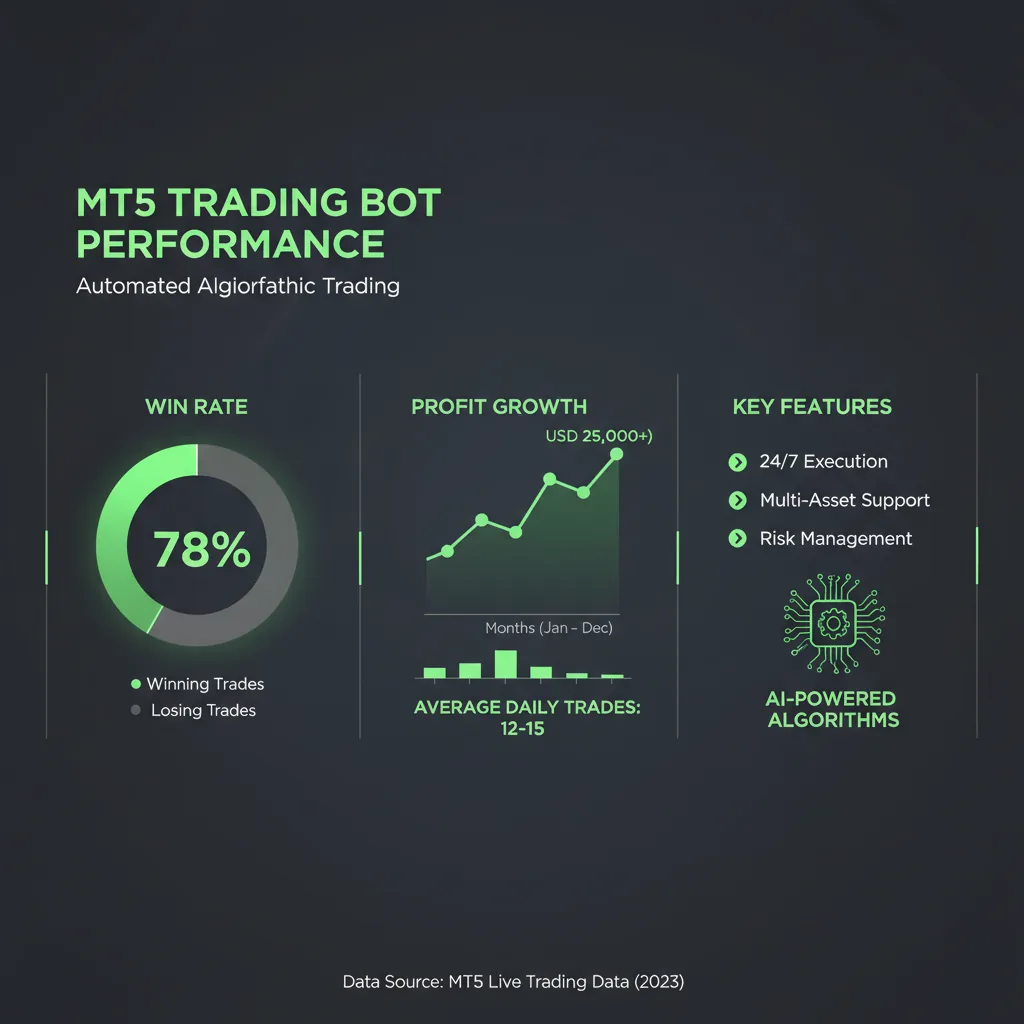
You have options. You can code your own EA using MQL5, MetaTrader's proprietary language. MQL5 offers extensive control but demands a steep learning curve. Alternatively, you can utilize platforms like PineForge to develop strategies in Pine Script. Pine Script provides a simpler, more intuitive syntax, making strategy development faster. PineForge then enables you to deploy these Pine Script strategies as fully functional MT5 trading bots, bridging the gap between accessible coding and powerful execution. This means you can focus on strategy logic, not MQL5 intricacies.
Here’s a simple Pine Script example for a moving average crossover strategy:
\\\`pine
//@version=5
strategy("Simple MA Crossover Strategy", overlay=true)
// Inputs for moving average lengths
fast_length = input.int(10, title="Fast MA Length")
slow_length = input.int(30, title="Slow MA Length")
// Calculate moving averages
fast_ma = ta.sma(close, fast_length)
slow_ma = ta.sma(close, slow_length)
// Entry condition: Fast MA crosses above Slow MA
if ta.crossover(fast_ma, slow_ma)
strategy.entry("Buy", strategy.long)
// Exit condition: Fast MA crosses below Slow MA (close existing long position)
if ta.crossunder(fast_ma, slow_ma)
strategy.close("Buy")
// Plot MAs on the chart for visual confirmation
plot(fast_ma, color=color.blue, title="Fast MA")
plot(slow_ma, color=color.red, title="Slow MA")
\\\`
This robust logic, developed in Pine Script, forms the core of your MT5 trading bot. PineForge handles the conversion and deployment, simplifying your journey to automation.
Installing and Configuring Your MT5 Trading Bot
Installation is a straightforward process. You place the EA file and then configure its parameters within MT5.
Placing the Expert Advisor File
First, open your MetaTrader 5 terminal. Navigate to \File -> Open Data Folder\. This opens the root directory for your MT5 installation. Then, proceed to \MQL5 -> Experts\. This is where all your EAs reside. Place your compiled Expert Advisor file (which will have a \.ex5\ extension) into this \Experts\ folder. After placing the file, restart your MT5 terminal. This ensures the platform recognizes the new EA.
Granting Permissions and Attaching to Charts
Once MT5 restarts, locate your EA in the \Navigator\ window under the \Expert Advisors\ section. Before attaching it, ensure \Algorithmic Trading\ is enabled in your MT5 toolbar (it's a prominent button). Now, drag your desired EA from the \Navigator\ window onto the chart of the symbol you wish to trade (e.g., EURUSD). An \Expert Advisor Properties\ window will appear. Here, you'll adjust critical input parameters like lot size, stop-loss/take-profit levels, and specific strategy settings. Crucially, on the \Common\ tab, verify that 'Allow Algo Trading' and 'Allow DLL imports' (if your EA requires external libraries) are checked. You control every aspect of its operation.
Testing, Risk, and Live Deployment
Successful automation demands thorough testing and disciplined risk control. You prove your strategy's viability before live trading.
Rigorous [Backtest](/backtest)ing
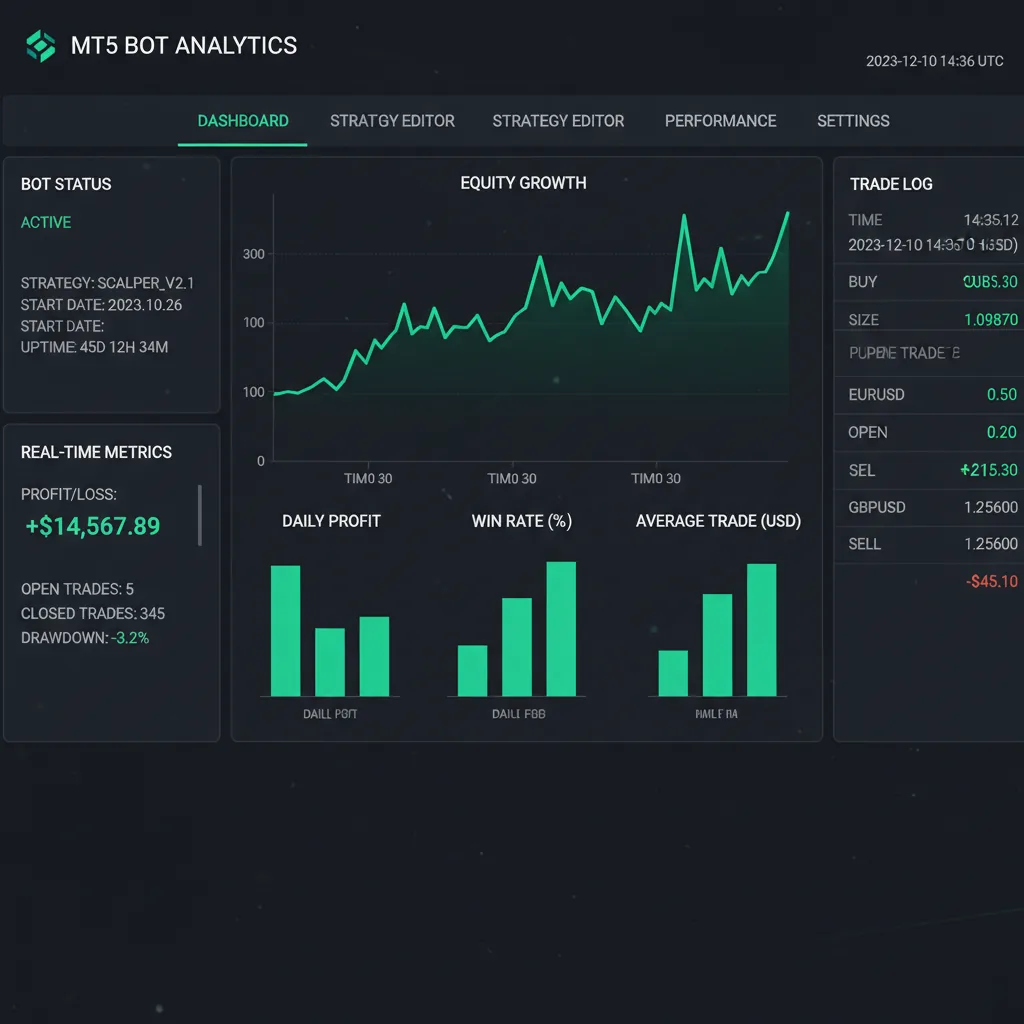
Before deploying any MT5 trading bot live, you must backtest it extensively. Use MT5's built-in Strategy Tester. Run your bot across years of historical data, analyzing its performance under various market conditions. Focus on key metrics: profit factor, maximum drawdown, win rate, and Sharpe ratio. Avoid over-optimization, where a bot performs perfectly on historical data but fails live. The goal is robustness, not just past profitability. For instance, the XAUUSD EMA strategy on PineForge demonstrates a 74.2% win rate, a 2.31 profit factor, and a +87.4% return. This level of validation is non-negotiable.
Implementing [Risk Management](/blog/risk-management-strategies)
Even the most profitable bot requires strict risk parameters. Define your maximum exposure per trade, maximum daily drawdown, and overall account risk. Implement fixed-percentage or fixed-lot sizing. Never risk more than a small percentage of your capital on a single trade. Automation amplifies strategy, both good and bad. You control the risk, not the bot. This discipline protects your capital.
Monitoring Your Live Bot
Deployment is not a set-and-forget operation. Regularly monitor your bot's performance, especially during volatile periods. Review its trade logs. Market conditions evolve, and your bot's effectiveness may change. Be prepared to pause, adjust, or even stop your bot if it deviates from expected performance. Start with a demo account to observe its behavior in real-time, then transition to a live account with minimal capital. You remain the strategist, adapting your tools to the current market.
Can an MT5 trading bot truly replace human traders?
No. An MT5 trading bot executes your strategy. You remain the strategist. You define the rules, manage the risk, and adapt to market shifts. The bot is a tool for precise execution, not a replacement for your intellect. Your analytical skills and market understanding are irreplaceable.
What's the difference between an EA and a custom indicator?
An Expert Advisor (EA) places and manages trades automatically based on predefined rules. It takes action. A custom indicator, conversely, analyzes market data and displays information on charts (e.g., moving averages, RSI). Indicators inform your strategy; EAs execute it. You use indicators to develop your strategy, which the EA then implements.
How do I choose the right timeframe for my MT5 trading bot?
The optimal timeframe depends entirely on your strategy's objectives. Scalping bots often use lower timeframes (M1, M5) for frequent, small trades. Swing trading bots might use H1, H4, or Daily charts for longer-term positions. Your backtest results will indicate the most effective timeframe for your specific bot. The timeframe must align with your strategy's logic and target market behavior.
Automating your trading with an MT5 trading bot shifts your focus from reactive execution to proactive strategy. You gain unparalleled precision, speed, and emotional detachment. This empowers you to implement complex strategies consistently, capitalize on opportunities 24/7, and manage your trading with superior discipline. The bot handles the mechanics; you manage the vision.
Don't let manual trading limitations define your potential. Build your first bot with PineForge and deploy it to MetaTrader 5. Transition from a struggling manual trader to an empowered algorithmic strategist. Start automating your trading today. Signup now and take control of your trading future.
| Feature | Manual Trading | Automated Trading (MT5 Trading Bot) |
|---|---|---|
| Execution | Slow, prone to human error | Instant, precise, error-free |
| Emotions | High impact (fear, greed) | Zero impact |
| Monitoring | Limited by human capacity | 24/7, across multiple markets |
| Backtesting | Difficult, subjective | Rigorous, objective strategy validation |
| Scalability | Low, time-intensive | High, runs multiple strategies simultaneously |
Start Trading Smarter
Build, backtest, and deploy your strategies with PineForge. No coding experience required.